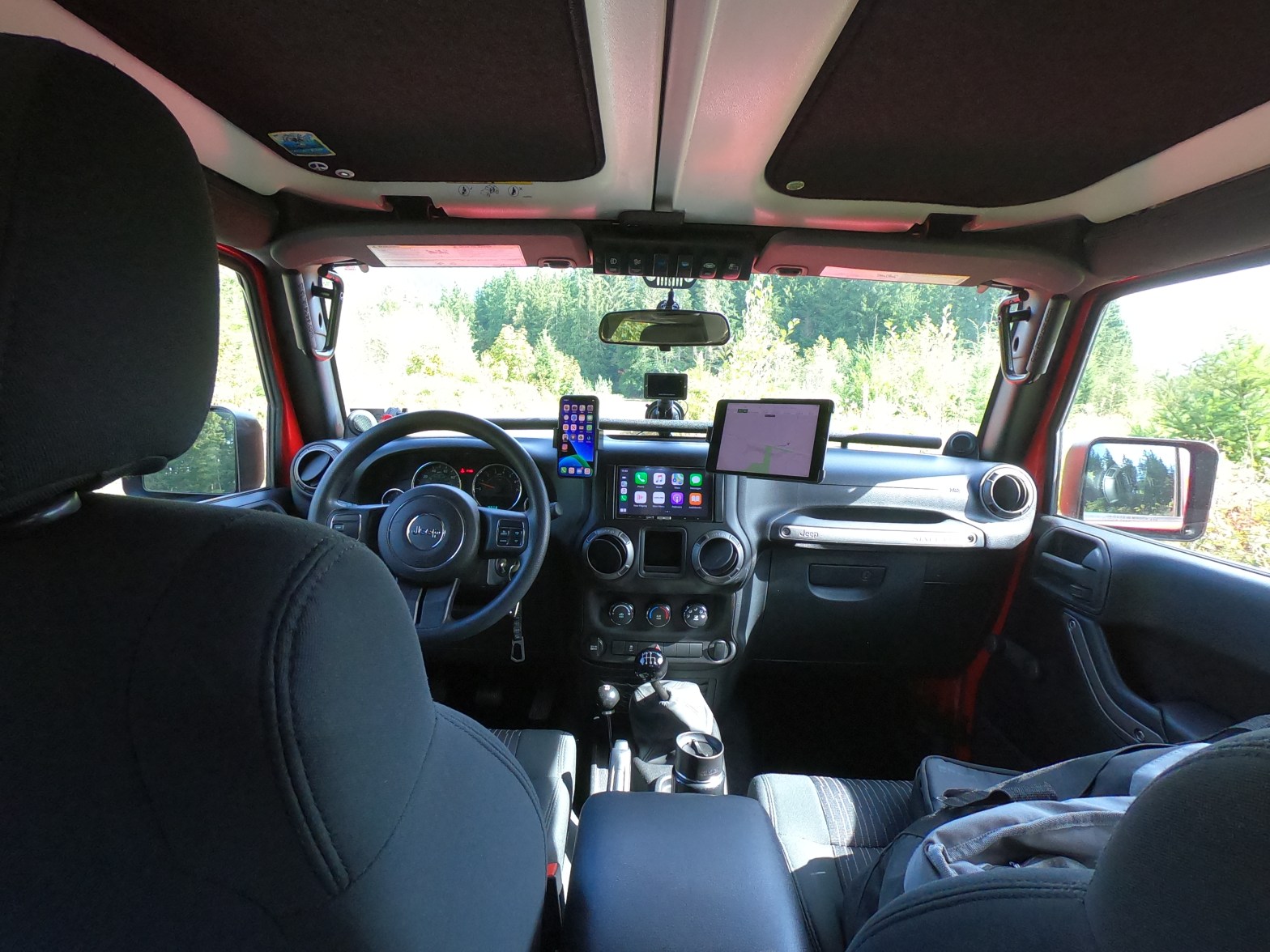
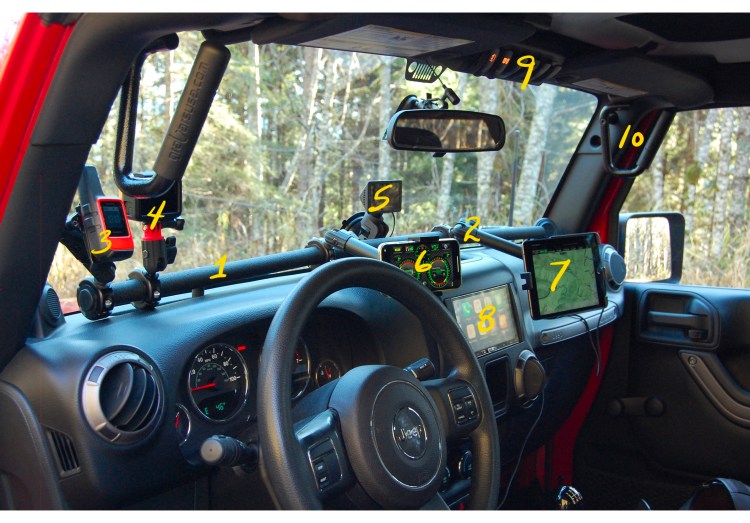
Continuing with an overview of my interior mods, I wanted to briefly talk about #4, the GoPro Hero7 camera and my Apple devices #6 and #7 and how I use them.

The GoPro Hero7 has been a great investment for me and would be for anyone who wants to share photos and video whether through a blog like this, through social media or just to document your adventures for friends and family.
I have used mine primarily to highlight trail runs either mounting it as you see here, inside on my 67 Designs GoPro mount or externally on my GoPro suction mount. The results are quite dramatic depending on where the camera is mounted and the camera settings.
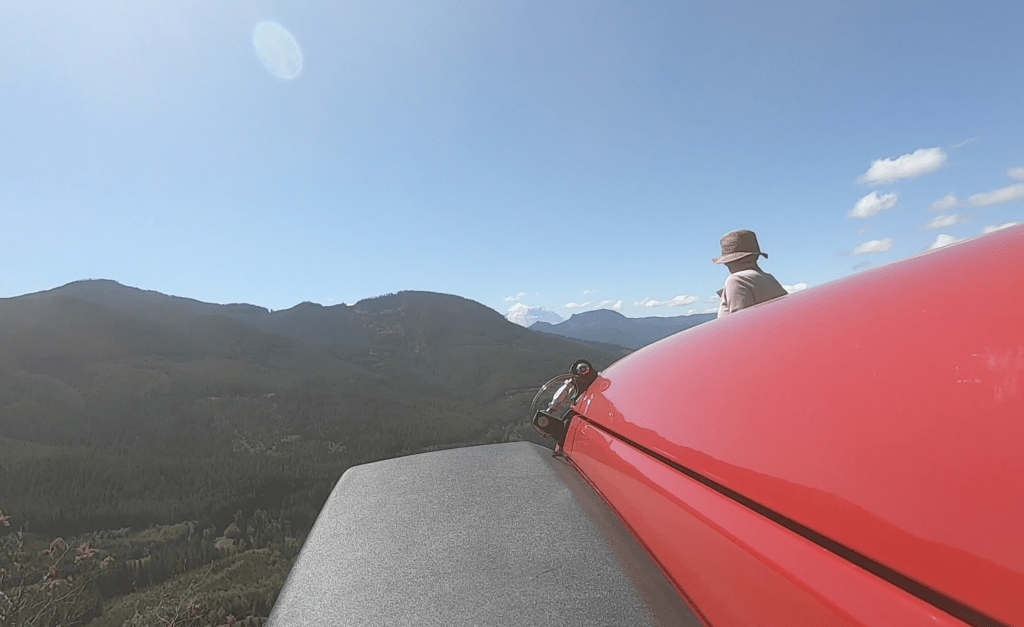
Here’s a shot from the GoPro on the suction mount mounted just in front of the Jeep Trail Rated badge.
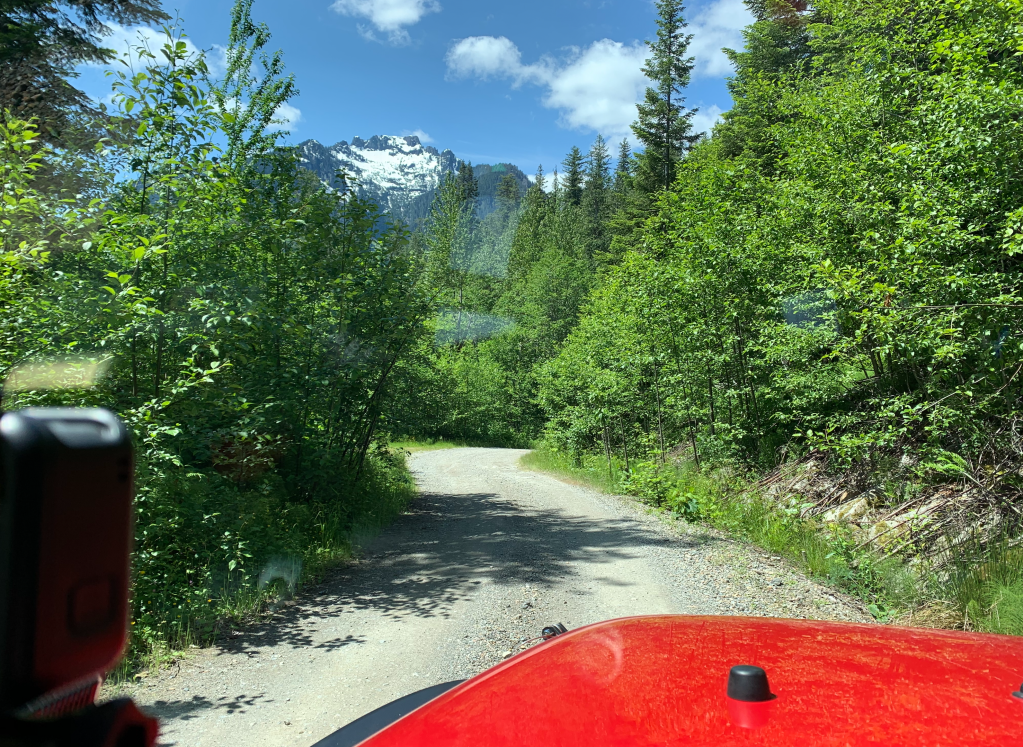
Inside mount (notice the reflection off the window)
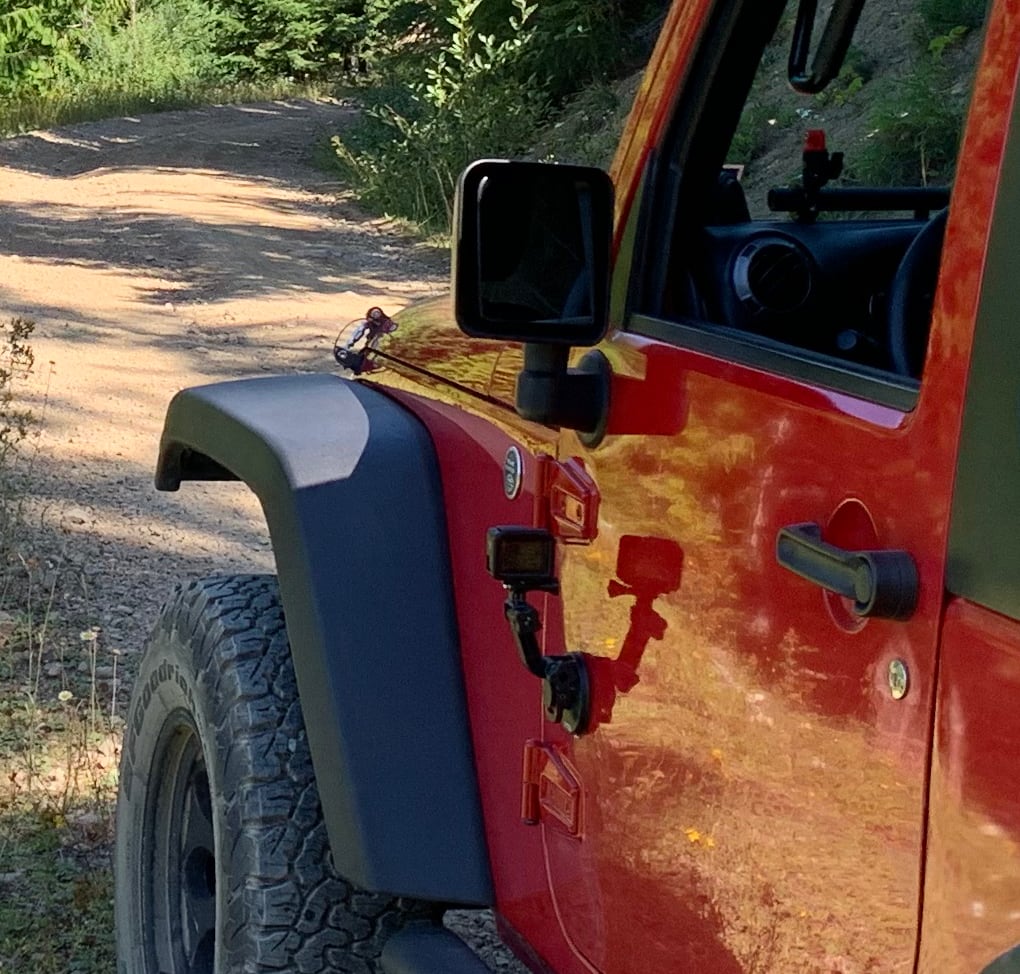
Here’s the GoPro suction mount attached to the door.
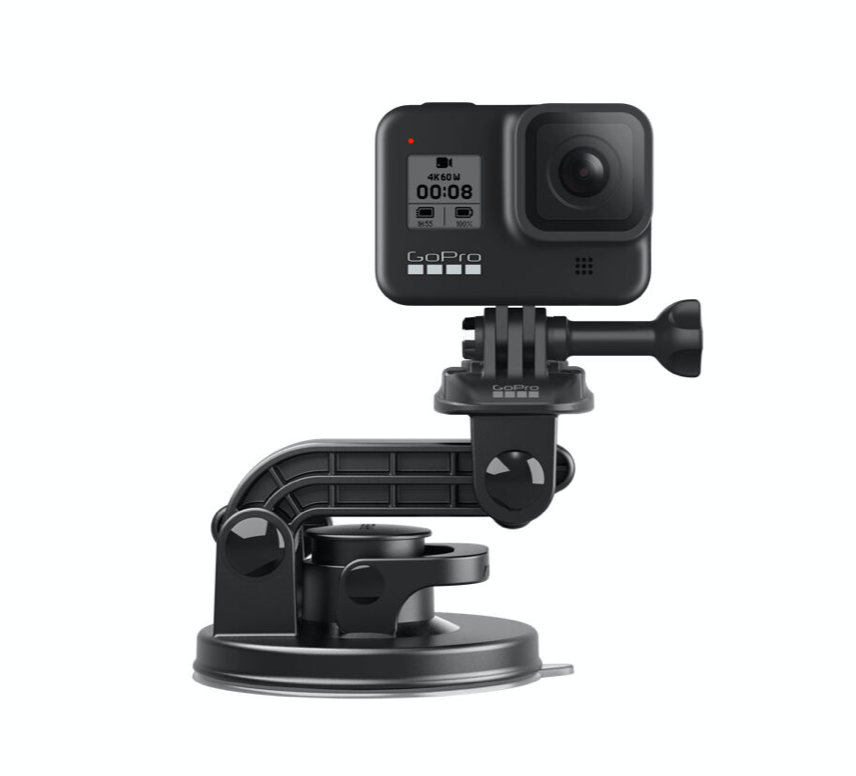
GoPro Suction Mount
I love these shots from the outside mount as it’s a little more immersive with the tire noise on the trail.
I’ve also used the GoPro mounted on a GoPro Shorty and stuck down the front of a life vest with the video results here from a 2019 Oregon Rafting trip.
In other words, this camera is very versatile! I’m glad to share more particulars, just ask. GoPro has introduced a new camera, the Hero8 but the 7 is a great camera for the price and is still available at a new lower price. I’ve started using a DJI Mavic Mini drone for photography as well and will visit that subject in a future blog post.
#5, 6, 7, and 8 I’ve talked about in previous blog posts.
#6 my iPhone and #7 my iPad mini could be considered a little redundant as I use the iPad for navigation and you could use a phone just as easily but I love having a larger screen and a dedicated device for displaying maps and recording routes with the Gaia GPS App. Leaving the iPhone open for other uses like a clinometer app or another trail map is convenient but I find myself constantly pulling it off the mount to grab a quick picture or video.

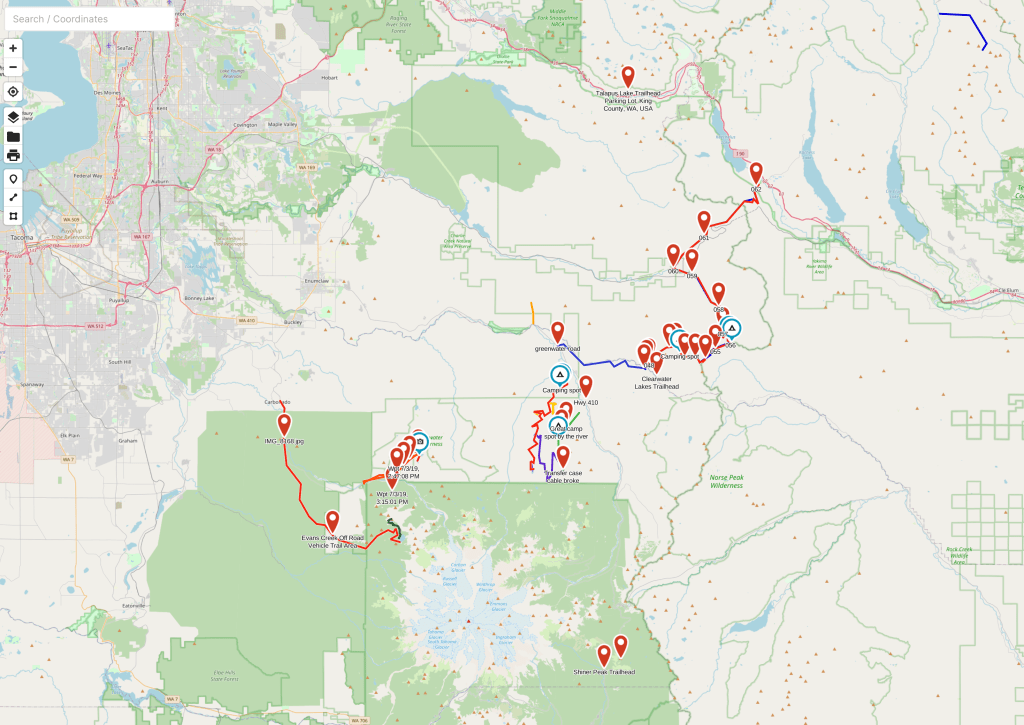
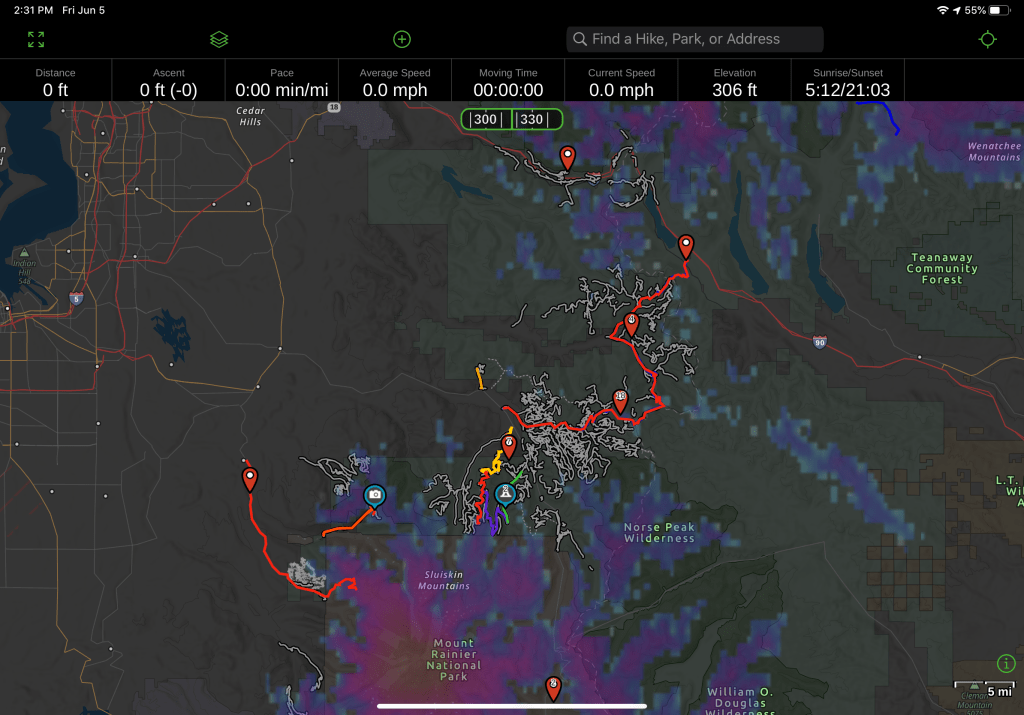
I can’t say enough about Gaia. I have a premium membership that allows you use of their full map catalog and the ability to customize maps. You can check it out with access to the Gaia Topo map, plan, navigate and record your trips all for free. The part I like the best is that you can access Gaia via their web site or the app allowing you to do planning from home. It’s important to download maps of the areas you are going to visit onto your phone or iPad before you go. It’s a great system as you can download only what you will need and offload them when you’re done saving storage space on your device. Here’s what the web based map looks like and below it is the iPad App. I’ve got some different map layers applied but you can see how the saved trip routes and waypoints have been synced between iPad and web. I highly recommend this as your main navigation tool. I do use other resources for planning but I’ll save that for a time if I get enough requests about route/travel planning. I may touch on this app again on a dedicated page as it probably deserves a whole discussion around what it can do for you.

 redjkjeep